
Learn
Understand how it works.
Choose what suits your task.
Explore how to choose a correction source and configure its output. These illustrated guides explain the key decisions for AUTO, constellations and MSM.
AUTO reviews the nearest source every 10 minutes.
The AUTO mountpoint uses the position sent by NtripClient to select the representative mountpoint of the nearest available reference station. It selects a source when you connect, then reviews your latest position every 10 minutes.
If another available station is closer, AUTO switches the correction source while keeping the connection between NtripClient and the Caster open.
On connection
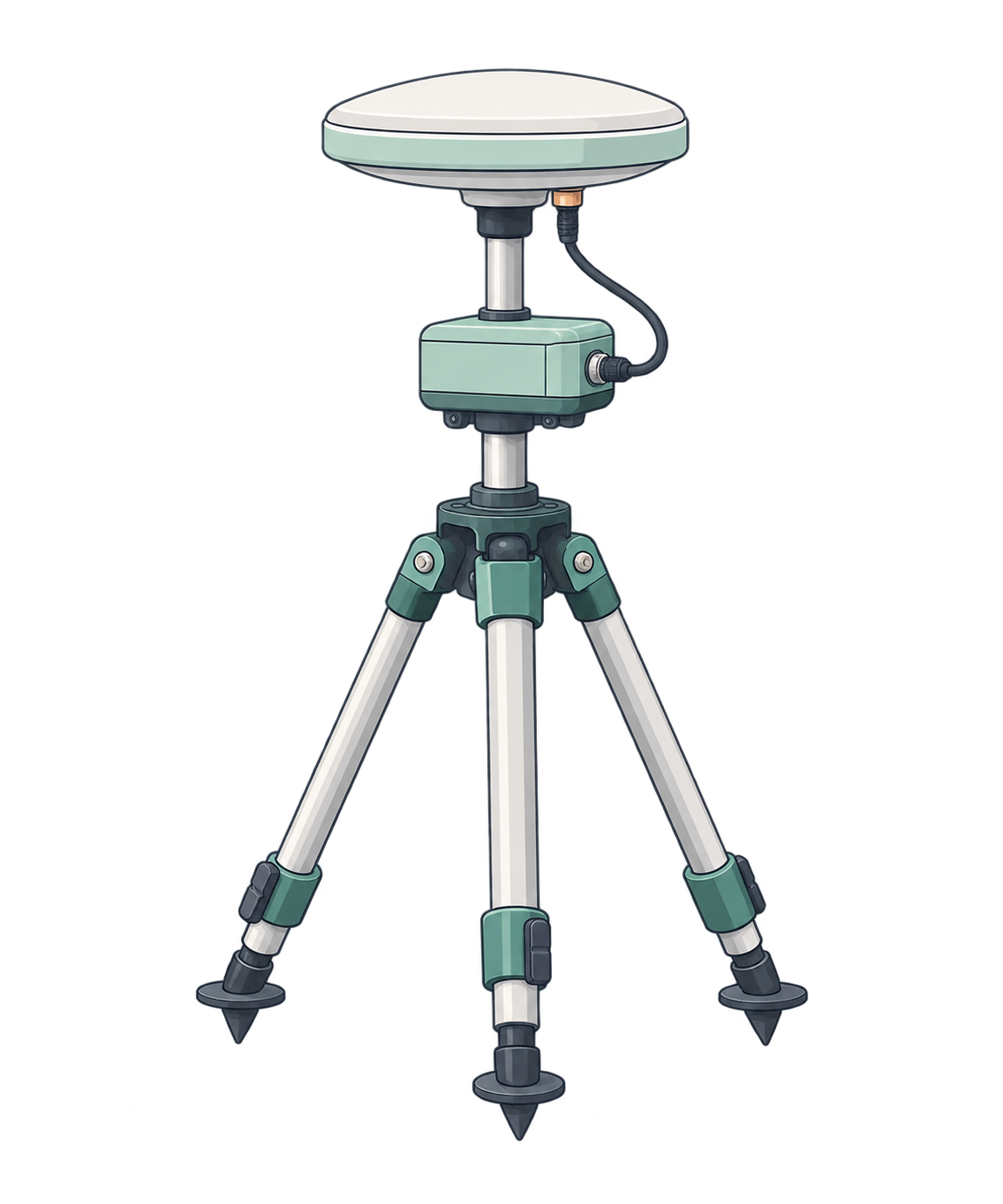

Select nearest station A
10 minutes later
Switch to the closer station B
20 minutes later
Keep B if it is still nearest
At high speed, do not rely on the next scheduled switch.
At high speed, you may travel far from the selected station before the next 10-minute review. If you need the source to follow your movement promptly, relying only on scheduled AUTO switches is not recommended.
Before the next review
Source A can remain selected even near B
After a manual reconnect
Select the nearest source at your current position
Choose a fixed station when nearby candidates alternate.
Near the midpoint between stations, a small position change can alter which station is nearest. AUTO selects using your position at each review, so the source may change at a 10-minute review. If distances are equal, it keeps the current station.
Using AUTO
A or B may be nearest as your position changes
Connect to A’s named mountpoint
Keep using the same station
Review constellation settings after identifying the cause.
You generally do not need to change constellation settings. Normally, keep all constellations enabled. Poor satellite geometry or reception conditions can reduce positioning accuracy.
Consider reviewing the output constellations when you can identify a particular constellation’s geometry or reception as a cause of degraded accuracy. This setting selects whole constellations, such as GPS, rather than individual satellites.
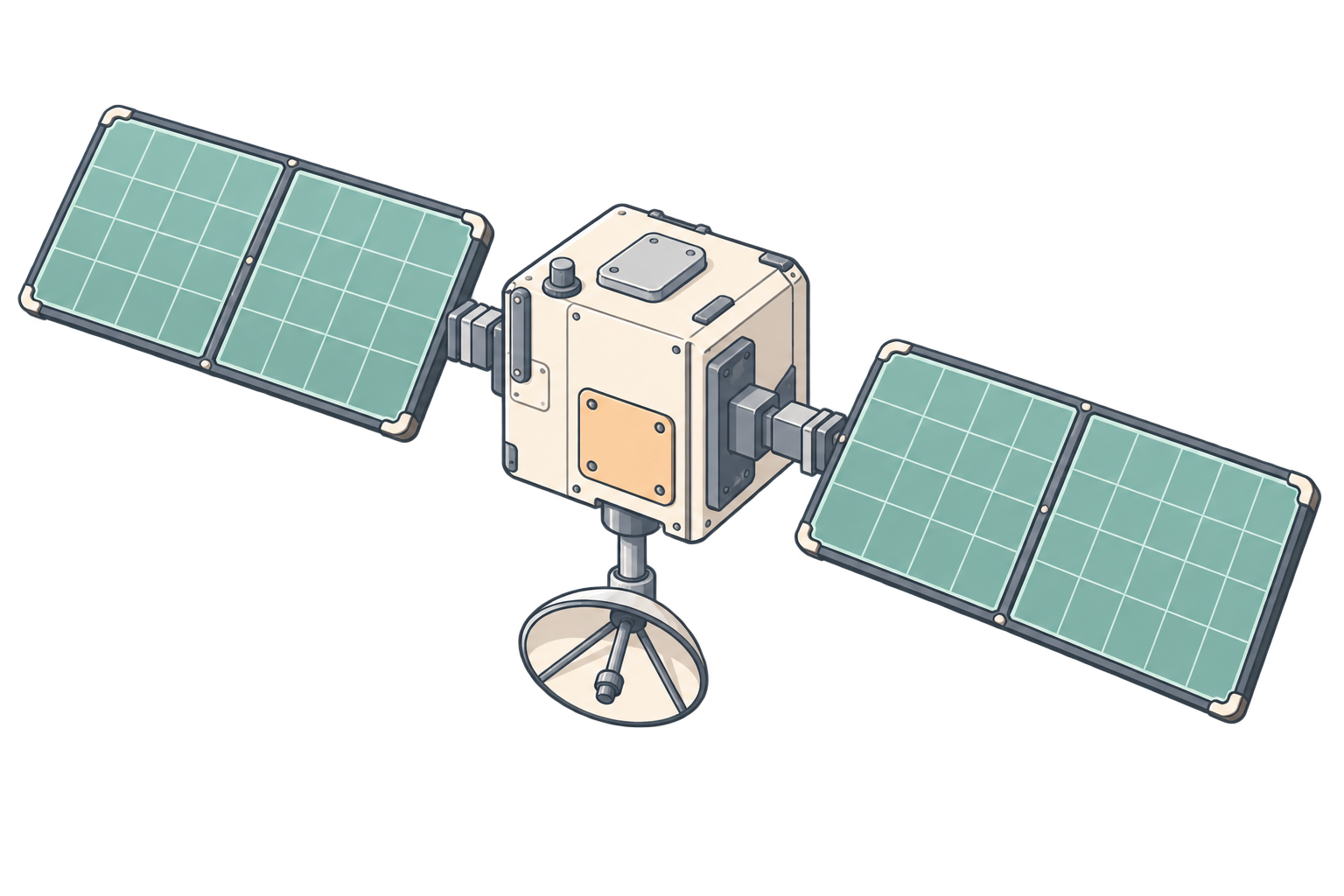
Check geometry and reception
Consider changes when the cause is clear
Compare positioning before and after
Match MSM output to your equipment’s supported format.
You generally do not need to change MSM output. Normally, choose “Keep input” to distribute the MSM format received from the reference station.
If your receiver or software supports MSM4 but cannot handle the incoming MSM5/6/7, clone the mountpoint and provide an output converted to MSM4. Check the supported formats in your equipment’s documentation.
Original mountpoint
Keep inputMSM7
For equipment supporting the input format
Cloned mountpoint
MSM5/6/7 → MSM4MSM4For equipment supporting MSM4
Once you understand the options, find a reference station that suits your task.